
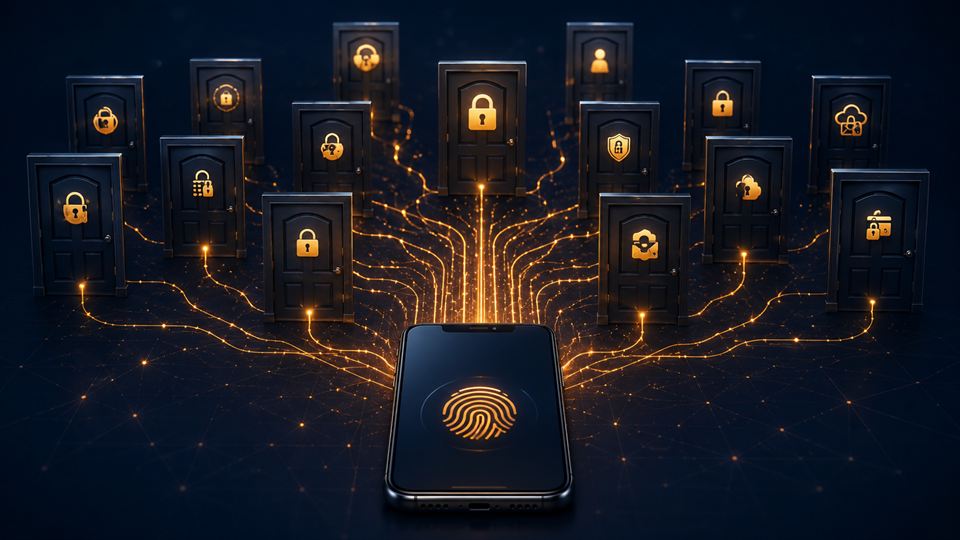
The problem is not forgetting passwords. It is having too many.
Last time, we only had a few passwords.
Email. Bank. Facebook. Maybe one shopping account.
Now? Everything needs login.
Banking app, e-wallet, food delivery, shopping app, telco, insurance, government portal, cloud storage, work system, school app, game account; semua ada password.
So maybe the problem is not that we keep forgetting.
Maybe the problem is we have too many digital doors, and every door wants a different key.
The shortcut is dangerous
The dangerous shortcut is using the same password everywhere.
Convenient, yes.
But if one old account leaks, attackers may try the same email and password elsewhere.
That old shopping account you used once can suddenly become a problem if it shares the same password as your email, cloud storage, or payment apps.
And email is the big one.
Your email is not "just email" anymore.
It is the reset button for many other accounts.
If someone gets into your email, they may be able to reset passwords for other services too.
So if you only fix one thing first, fix your main email.
Do a simple health check first
Before changing everything, do a simple health check.
Use Have I Been Pwned to check whether your email appeared in known breaches.
If you use Chrome or Android, check Google Password Checkup.
If you use iPhone, iPad, or Mac, check Apple Passwords and Security Recommendations for weak, reused, or compromised passwords.
Not to panic yourself; just to know what needs attention.
Stop trying to remember everything
After that, do not try to memorise everything.
That one memang impossible.
Use a password manager.
Apple Passwords, Google Password Manager, Bitwarden, 1Password, Proton Pass; any reliable one is better than reusing the same password everywhere or saving passwords inside Notes.
The goal is not to remember more passwords.
The goal is to stop depending on memory.
Turn on 2FA for important accounts
Turn on two-factor authentication for important accounts:
- banking-related services
- e-wallets
- cloud storage
- social media
- work accounts
Yes, sometimes it feels leceh.
But that small extra step can stop someone from logging in even if they know your password.
Use passkeys when available
Also use passkeys when available.
Passkeys let you sign in using your phone, fingerprint, face scan, device PIN, or security key instead of typing a password.
You may already see them on Google accounts like Gmail, YouTube, and Drive.
You may also see them with Apple ID and iCloud Keychain on iPhone, iPad, and Mac; Microsoft accounts like Outlook, OneDrive, and Windows; plus some password managers and apps that support passwordless login.
Google says biometric data stays on your device.
Microsoft says passkeys can use face, fingerprint, PIN, or security key for personal, work, or school accounts.
For normal users, start with the accounts that matter most:
- Google account, if you use Gmail, YouTube, Drive, Android, or Google Password Manager
- Apple ID or iCloud Keychain, if you use iPhone, iPad, Mac, iCloud Photos, or Apple Passwords
- Microsoft account, if you use Outlook, OneDrive, Windows, Microsoft 365, or work/school login
But before enabling passkeys, check your recovery setup.
Make sure your recovery email, phone number, and trusted devices are updated.
If you lose your phone and your recovery details are old, login can become susah also.
Clean up old accounts
Then clean up old accounts.
We all have them; random online shop, old app, free tool we used once.
If you do not use it anymore, close it if possible.
If not, at least change the password if it reused an old one.
Also remove saved cards from apps you rarely use.
A simple setup
Here is a simple way to think about it:
- Email: strongest protection; passkey or strong password plus 2FA
- Banking and e-wallet: never reuse passwords, and use biometric login only on your own device
- Shopping apps: unique password, and remove saved cards if not needed
- Cloud storage: passkey or 2FA because your documents and photos are there
- Random websites: use password manager-generated passwords
- Old accounts: close, update, or remove payment details
No need to fix everything in one night.
Start with email, money apps, and cloud storage first.
Then slowly clean the rest.
Final thought
The problem is not that Malaysians are bad at remembering passwords.
The problem is that we now live behind too many logins.
So stop making your brain do a job it was never meant to do.
Use tools.
Use 2FA.
Use passkeys where available.
Clean up old accounts.
Because protecting your login is not just a tech thing anymore.
It protects your money, your identity, your photos, your documents, and your peace of mind.