
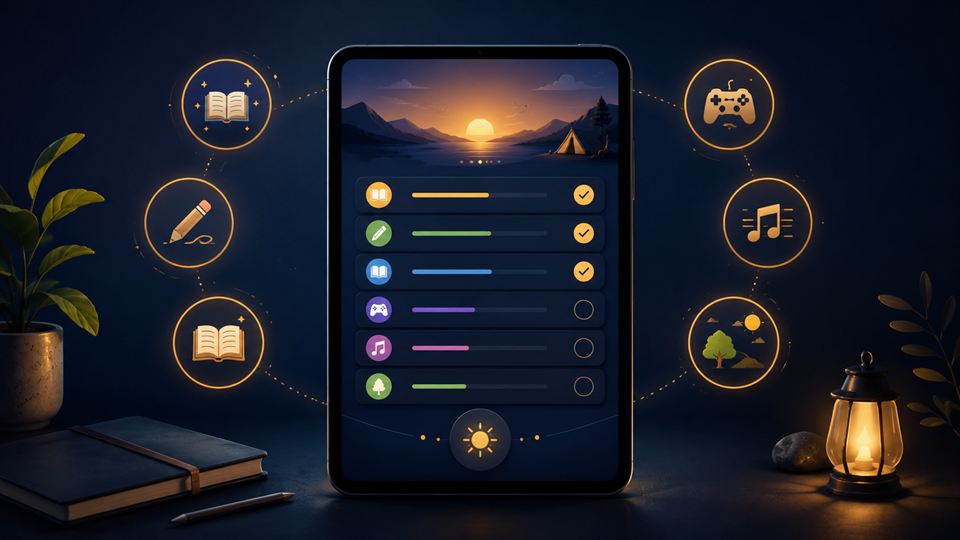
School break is coming. Do not let the kids just scroll for two weeks
School break is coming, and let us be honest; the phone will be working overtime.
YouTube, TikTok, games, Roblox, WhatsApp, repeat.
It is easy to say, "Do not use phone too much."
But that one confirm fight.
Kids are bored, parents are busy, and sometimes the phone becomes the easiest babysitter.
Not because parents do not care.
Just because real life is tiring.
But maybe the goal is not to ban screens completely.
Maybe the better question is:
How do we make screen time less kosong?
Not all screen time is the same
Watching random videos for three hours is different from drawing, learning coding, making a short video, practising a language, or reading something online.
Same device.
Different outcome.
So instead of only asking, "How many hours did they use the phone?", maybe ask:
What are they doing with it?
During school break, kids can still use tech in a better way.
Let them draw, edit videos, learn basic coding, practise English, read e-books, or explore safe learning apps.
Not everything needs to be tuition.
Sometimes school break should also be for curiosity.
Make a simple holiday screen rule
No need complicated schedule.
Just set a few clear rules before the break starts.
For example:
- no phone during meals
- no device in bedroom after bedtime
- gaming only after shower, homework, or chores
- one creative activity before long scrolling
- ask before downloading new apps or games
Simple rules are easier to follow than dramatic rules.
If you suddenly say "no phone at all", memang hard.
But if the rule is balanced, kids are less likely to feel like they are being punished.
Use parental tools, but do not rely on them fully
If your child uses iPhone or iPad, Apple's Screen Time can help parents manage downtime, app limits, communication limits, and content restrictions.
Apple also provides Family Sharing features for child accounts.
For Android, Google Family Link can help parents manage app approvals, screen time, bedtime, content restrictions, and device location.
Family Link is designed for supervised child accounts and works across Android and iOS for parent management.
YouTube also has child-focused and supervised options.
YouTube Kids is designed as a child-oriented version of YouTube with curated content and parental control features.
But tools are not magic.
Kids will still ask friends, borrow devices, use browsers, join game chats, or find loopholes.
So the tool helps, but the conversation matters more.
Teach online safety before the holiday starts
School break usually means more free time online.
That also means more chances to click nonsense.
Free Robux.
Free game skins.
Lucky draw links.
"Your parcel failed."
Fake giveaways.
Random strangers in game chat.
Before the break, remind kids:
- do not share real name, school, address, phone number, or location
- do not send photos to strangers
- do not click free reward links
- do not share OTP or passwords
- do not install random APKs or modded games
- tell an adult if someone online makes them uncomfortable
Say it calmly, not like a lecture.
The goal is not to scare them.
The goal is to make them pause.
Let them create, not only consume
This is the biggest shift.
If they like games, ask them to design their own simple game idea.
If they like videos, ask them to make one short video about their day.
If they like drawing, let them try digital art.
If they like music, let them create a playlist or simple audio.
If they like stories, let them write or record one.
The phone can be a distraction, yes.
But it can also be a tool.
Depends how we guide it.
A practical setup for parents
Before the break starts, do this once:
- check app limits
- update parental controls
- remove apps they no longer use
- disable in-app purchases or require approval
- create a small list of allowed apps
- prepare offline activities
- set charging place outside bedroom
- agree on daily screen time rules
Do not wait until everyone is already annoyed.
Set the rules when everyone is still calm.
Final thought
School break does not need to become two weeks of non-stop scrolling.
And it also does not need to become a strict military camp.
Kids need rest.
Parents need peace.
Screens will be part of it.
The trick is to make screen time more intentional.
A bit of fun.
A bit of learning.
A bit of creating.
A bit of offline life.
Not perfect.
Just better than letting the algorithm babysit the whole holiday.